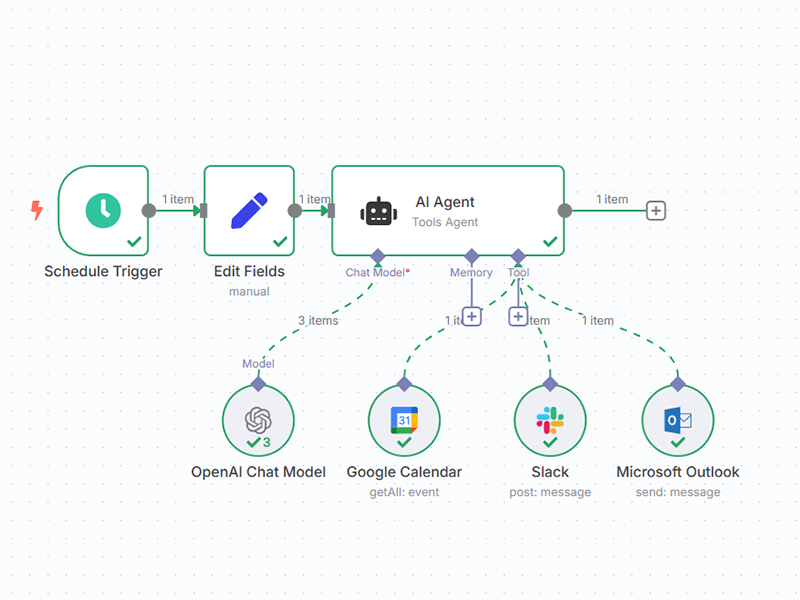
This n8n template auto-enriches brand-new HubSpot contacts with company details. Each day it finds contacts created in the last 24 hours (skipping free email domains), researches the company from the contact’s email domain, and writes back clean fields—no manual lookup needed. Perfect for GTM teams that want better segmentation and faster personalization from day one. How it works A daily schedule trigger starts the workflow. HubSpot: Get recently created/updated contacts pulls the newest records. A filter keeps only contacts: created within the last 24 hours whose email domain doesn’t contain gmail.com (adjust as needed). An AI research agent (Gemini + SerpAPI) : extracts the company domain from the contact’s email searches the web and returns structured JSON : company_name , industry , headquarters_city , headquarters_country , employee_count , website , linkedin , description HubSpot: Add company info updates the contact with the enriched fields. How to use Connect HubSpot on both HubSpot nodes (OAuth2). Connect SerpAPI (paste your API key). Connect Google Gemini (Google AI Studio API key). (Optional) Edit the agent prompt to fetch more/different fields. (Optional) Tweak the filter to include/exclude other domains. Activate the workflow to run daily. Requirements HubSpot (OAuth2) for reading/updating contacts SerpAPI for web search results Google Gemini for company profiling and structured output Notes & customization Free domains: Add more exclusions (e.g., yahoo.com , outlook.com ) to reduce false positives. Confidence gating: Require website + LinkedIn before writing to HubSpot, or route low-confidence results for manual review. Field mapping: Extend the update step with additional properties (e.g., industry tags, HQ timezone). Frequency: Switch the trigger to hourly for faster enrichment on high-volume inbound. Data hygiene: Normalize employee count ranges and country names to your CRM picklists.